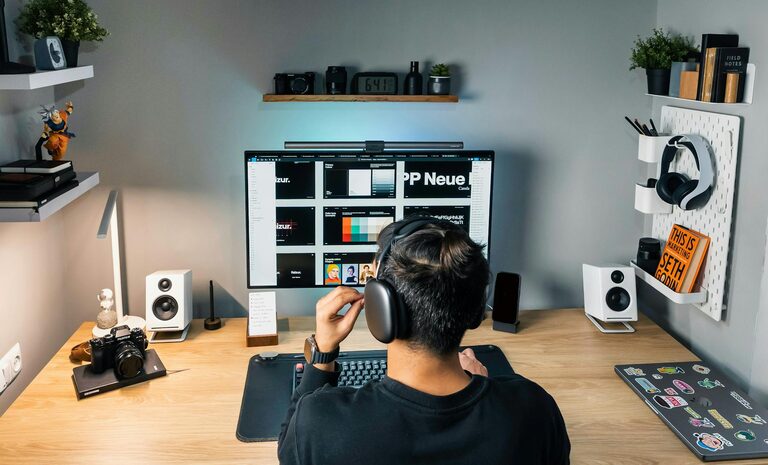
Setting up a home workspace that enhances productivity while fitting smoothly into your lifestyle is essential, especially as remote work becomes more common. A well-designed workspace can help you stay focused, comfortable, and motivated throughout the day. This guide offers easy, practical tips to help you create a productive home office that reflects your work habits and personal needs.
Understand Your Work Style and Needs
Before you start arranging furniture or buying equipment, consider how you work best. Are you someone who needs absolute quiet to concentrate, or do you thrive with some background noise? Do you often attend video calls or collaborate with others virtually? Answering these questions will help you choose the right location and layout for your workspace.
Consider Your Job Requirements
– Tech needs: Ensure your workspace supports your devices—desktop, laptop, printer, or additional monitors.
– Storage: Think about the kind of documents or tools you need on hand.
– Movement: If your work includes standing, walking, or stretching, find space for these activities.
Choose the Right Location
Finding the right spot in your home is crucial for a productive workspace.
Look for Natural Light and Low Distraction Areas
Natural light boosts mood and alertness, so try to position your desk near a window. Avoid areas prone to high foot traffic or noise, such as the kitchen or living room. If this isn’t possible, noise-cancelling headphones or room dividers might help.
Think About Space and Privacy
Even a small corner or a nook can work if it’s set up thoughtfully. If you share your home with others, discuss boundaries to minimise interruptions during work hours.
Invest in Comfortable and Functional Furniture
Ergonomics play a vital role in productivity and health. Consider the following:
– Chair: A supportive chair that encourages good posture reduces back and neck strain.
– Desk: Choose a desk at the right height to maintain comfortable arm and wrist positions.
– Adjustability: Sit-stand desks allow movement, reducing fatigue.
Keep Your Workspace Organised
A tidy workspace helps maintain focus and reduces stress.
Implement Storage Solutions
Use organisers, shelves, and drawers to keep clutter away. Label items to quickly find what you need.
Manage Cable Clutter
Use clips and cable ties to keep cords neatly arranged and out of sight.
Personalise Your Space to Reflect Your Lifestyle
Adding personal touches can make your workspace inviting and motivating without becoming distracting.
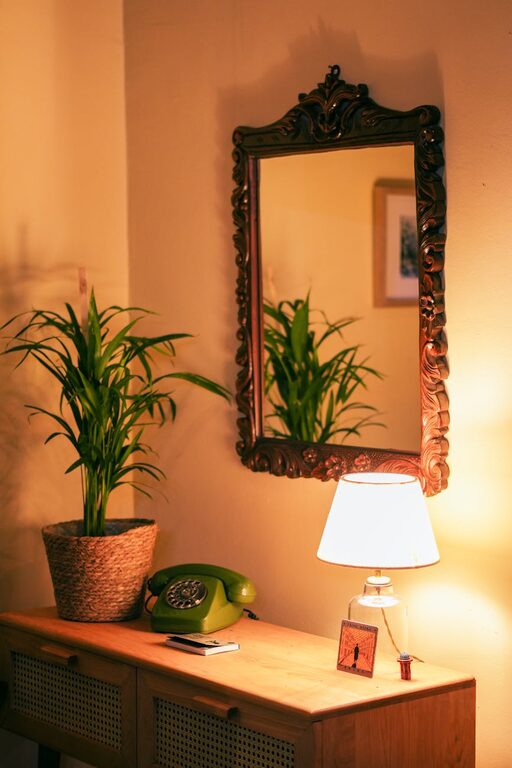
– Plants: Indoor plants improve air quality and add a calming element.
– Artwork or photographs: Inspiring visuals can brighten your mood.
– Lighting: Adjustable lamps help reduce eye strain during evenings or darker days.
Establish a Routine and Boundaries
Your space is just one part of productivity; how you use it matters too.
– Set working hours: Maintain regular work times to separate professional and personal life.
– Take breaks: Designate areas within or near your workspace for rest.
– Limit distractions: Silence notifications, use apps to manage time, and communicate your availability to household members.
Utilise Technology Wisely
Equip your workspace with helpful tools that support your workflow.
– Reliable internet connection: Essential for smooth communication and cloud access.
– Headphones with microphone: Useful for online meetings.
– Screen filters or blue light glasses: Help reduce eye strain.
Stay Flexible and Adapt
Your needs might change over time, so revisit your workspace layout and habits regularly. Small adjustments can lead to significant improvements in comfort and productivity.
—
Creating a productive home workspace tailored to your lifestyle is about balancing functionality with comfort. By considering your work style, choosing the right location, and organising thoughtfully, you can build an environment that supports focus and well-being. Investing effort into your workspace pays off in better workdays and a healthier work-life balance.
About the Author